
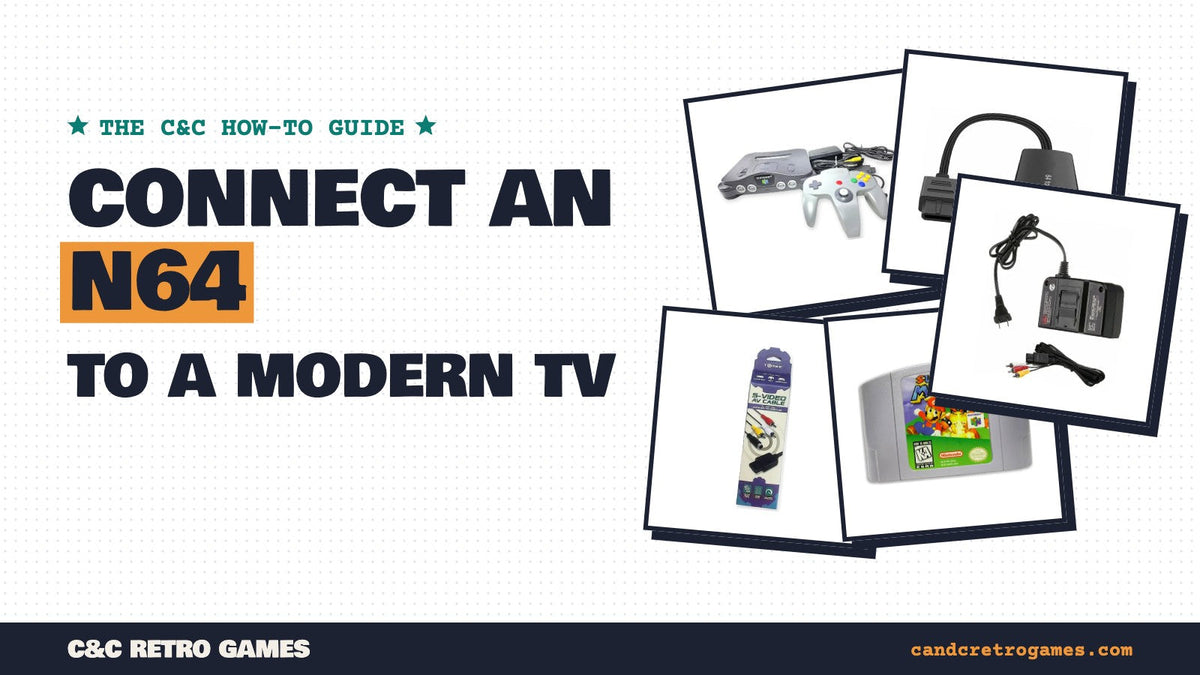
The Nintendo 64 came out in 1996, long before HDMI. It only outputs an analog signal, and many new TVs no longer have the yellow, red and white inputs it was designed for. The good news: getting an N64 onto a modern TV is easy, and you can choose how much picture quality you want to pay for. Here are your options, from simplest to best.
What the N64 can output
Every N64 has the same multi-out port on the back, shared with the Super Nintendo and GameCube. Out of the box it can send two kinds of signal:
- Composite (the yellow plug, with red and white for audio). Every N64 supports it, and it's what the standard AV cable uses.
- S-Video. North American N64s output S-Video with the right cable, and it's noticeably sharper than composite, with less color bleed.
A stock US N64 can't output RGB or component video. Getting those requires an internal modification.
Option 1: Your TV still has AV inputs
Check the back or side of your TV for yellow, red and white jacks (sometimes labeled AV, Video or Composite, and sometimes shared with the green component jack). If it has them, plug in the standard N64 AV cable and you're done. If your TV has an S-Video jack, an S-Video cable will look better still.

AV Cable for Nintendo 64, GameCube & SNES · $8.97
The standard composite cable. Also fits the SNES and GameCube.

S-Video AV Cable for GameCube / N64 / Super NES · $18.97
A sharper picture than composite on TVs or upscalers with S-Video.
Option 2: An AV-to-HDMI adapter
If your TV only has HDMI, the simplest fix is an AV-to-HDMI converter. It plugs into the N64's multi-out port (or into the end of an AV cable) and gives you an HDMI plug for your TV. It's plug-and-play and inexpensive. The trade-off is picture quality: the image will look softer than on an old CRT, and cheap converters can add a little input lag. For casual play, Mario Kart nights and kids' games, it's the easiest choice.

AV to HDMI Converter for N64, GameCube & SNES · $29.97
Plugs straight into the N64, SNES or GameCube. No extra cables needed.

Option 3: S-Video and a retro upscaler
For the best picture from an unmodified N64, use an S-Video cable into a dedicated retro upscaler such as one of the RetroTINK models. These are built specifically for old consoles: they convert the signal to clean HDMI with very little lag and handle the N64's low resolution much better than a TV's own scaler. They cost more than a basic adapter, but they also work with your other retro consoles.
Option 4: An HDMI mod
Enthusiasts install HDMI mods inside the N64 that take the digital video signal before it's converted to analog. The result is the sharpest N64 picture possible, with no visible lag. The catch is that the mod has to be soldered in, so it's best done by an experienced installer, and it's the most expensive option by far.
TV settings that make a big difference
- Turn on Game Mode. It switches off most of the TV's image processing, which cuts input lag. This matters a lot for timing-heavy games.
- Use 4:3 or Original aspect ratio. N64 games were made for square-ish TVs. Stretching them to widescreen makes everything look wide and blurry.
- Turn down sharpness. Extra sharpening on low-resolution games adds halos around edges.
- Expect some softness. N64 games run at a low resolution and the console blurs its own image on purpose to smooth edges. A soft picture is normal; a smeared or rolling picture is not.
Everything you need to get set up


Frequently asked questions
Does the N64 have HDMI?
No. The Nintendo 64 only outputs analog video. To use an HDMI-only TV, you need an AV-to-HDMI converter, an upscaler or an internal HDMI mod.
Will an N64 work on a 4K TV?
Yes. Use an AV-to-HDMI converter or an upscaler, set the TV to Game Mode and a 4:3 aspect ratio, and it works like any other HDMI source.
Do N64 AV cables work with the SNES and GameCube?
Yes. The Super Nintendo, Nintendo 64 and GameCube all use the same multi-out connector, so the same AV and S-Video cables fit all three.
Can I use component cables with an N64?
Not on a stock North American console. The N64 doesn't output component or RGB without an internal modification.
Why do N64 games look blurry on a new TV?
N64 games run at a low resolution and use a built-in blur to smooth edges. Modern TVs then scale that small image up to fill a large screen. Game Mode, a 4:3 aspect ratio and lower sharpness help, and an S-Video upscaler helps most.
Why is my N64 picture black and white?
This usually means the TV is set to the wrong input type, often S-Video when you're using composite or the other way around. Check the TV's input settings, and make sure the yellow plug is in the right jack.
Every order is covered by our 180-day warranty, with 30-day returns and free US shipping on orders over $70.